How to Protect Your Android Phone from Banking Trojans
Android banking trojans are having a moment — and not in a good way. This week alone, researchers uncovered StreamRat, a sophisticated trojan spread through fake streaming ads that reached over half a million people. The good news? Practically every Android banking trojan needs you to make a mistake to get in. Here’s how to make sure you don’t.
Table of Contents
- What is a banking trojan?
- Warning signs your phone is infected
- How to protect your phone
- What to do if you’re already infected
What is a banking trojan?
A banking trojan is malware disguised as a legitimate app. Once installed, it hides on your phone and waits. When you open your banking app, it can overlay a fake login screen to steal your credentials, record your keystrokes, capture your screen, or even read your SMS verification codes. Modern trojans like StreamRat abuse Android’s Accessibility service — a feature meant to help users with disabilities — to watch and control everything on your screen.
Warning signs your phone is infected
- A new app asks to become your default Home app or requests Accessibility permissions for no clear reason
- Your banking app suddenly logs you out repeatedly or looks slightly different
- Apps lose internet connection right after you installed something new (a VPN trick some trojans use)
- You notice unfamiliar apps in your downloads with generic names like “app.apk” or “update”
- Battery drains faster and data usage spikes without explanation
How to protect your phone
- Only install apps from Google Play. Sideloaded APK files from ads or random websites are the number one infection route.
- Guard Accessibility permissions like your PIN. No ordinary app — especially no streaming, photo, or cleaning app — needs them.
- Keep Google Play Protect on. It scans apps continuously and blocks known malware before it runs.
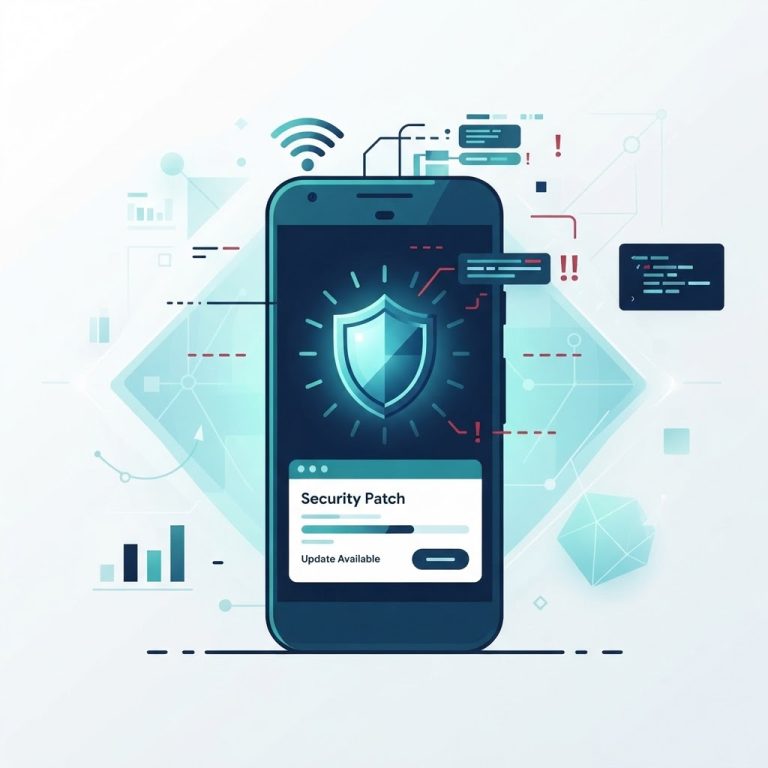
- Install security updates promptly. Settings → Security & privacy → System update.
- Be suspicious of free stuff. “Free streaming,” “free crypto,” “free followers” ads are the modern horse’s mouth. If a deal sounds too good, the product is you.
- Check your installed apps monthly. Uninstall anything you don’t recognize or use anymore.
- Use your bank’s official app only, downloaded from Play Store — never from a link in an SMS or email.
What to do if you’re already infected
- Act fast on the money side first. Call your bank’s fraud line and freeze accounts/cards you use on the phone.
- Uninstall the suspicious app — check Settings → Apps for anything unfamiliar, especially anything with VPN or Home-app permissions.
- Revoke Accessibility access (Settings → Accessibility) from every app you don’t explicitly trust.
- Change your passwords from a different, clean device — starting with email and banking.
- Consider a factory reset if problems persist. It’s the nuclear option, but it works.
Found this useful? Share it with someone who sideloads “free” apps — and check out our coverage of the StreamRat trojan to see these tricks in the wild.